Getting Started with WordPress Development
A practical guide for anyone looking to start building custom WordPress websites — from setting up your environment to your first theme.
Getting Started with WordPress Development
On this page
WordPress powers over 40% of the web, which makes it one of the most valuable skills a web developer can have. In this guide, I'll walk you through how to get started with WordPress development.
Setting Up Your Environment
Before writing any code, you need a local development environment. I recommend:
- LocalWP — the easiest way to spin up WordPress locally
- VS Code — with PHP and WordPress extensions
- Git — for version control
Understanding the Structure
A WordPress theme lives in wp-content/themes/. At minimum, a theme needs:
style.css— theme metadata and stylesindex.php— the main templatefunctions.php— where the magic happens
<?php
function my_theme_setup() {
  add_theme_support('post-thumbnails');
  add_theme_support('title-tag');
}
add_action('after_setup_theme', 'my_theme_setup');
The Template Hierarchy
WordPress uses a template hierarchy to decide which file renders a given page. Understanding this is key:
single.phpfor posts,page.phpfor pages,archive.phpfor archives.
Next Steps
Once you're comfortable with themes, explore:
- Custom post types for structured content
- WooCommerce for e-commerce
- The REST API for headless setups
WordPress development opened countless doors for me over my 6+ year career. Start small, build often, and you'll be amazed how far it takes you.
Need help with something like this?
Tell me what you're building. As a Top Rated Plus developer on Upwork with 6+ years of experience, I reply within 24 hours — no sales team, no follow-up sequence.
More on WordPress
View all articlesWhy I Rebuilt My Portfolio with Next.js
After years on WordPress, I moved my portfolio to Next.js. Here's why — and what I gained in performance, SEO, and developer experience.
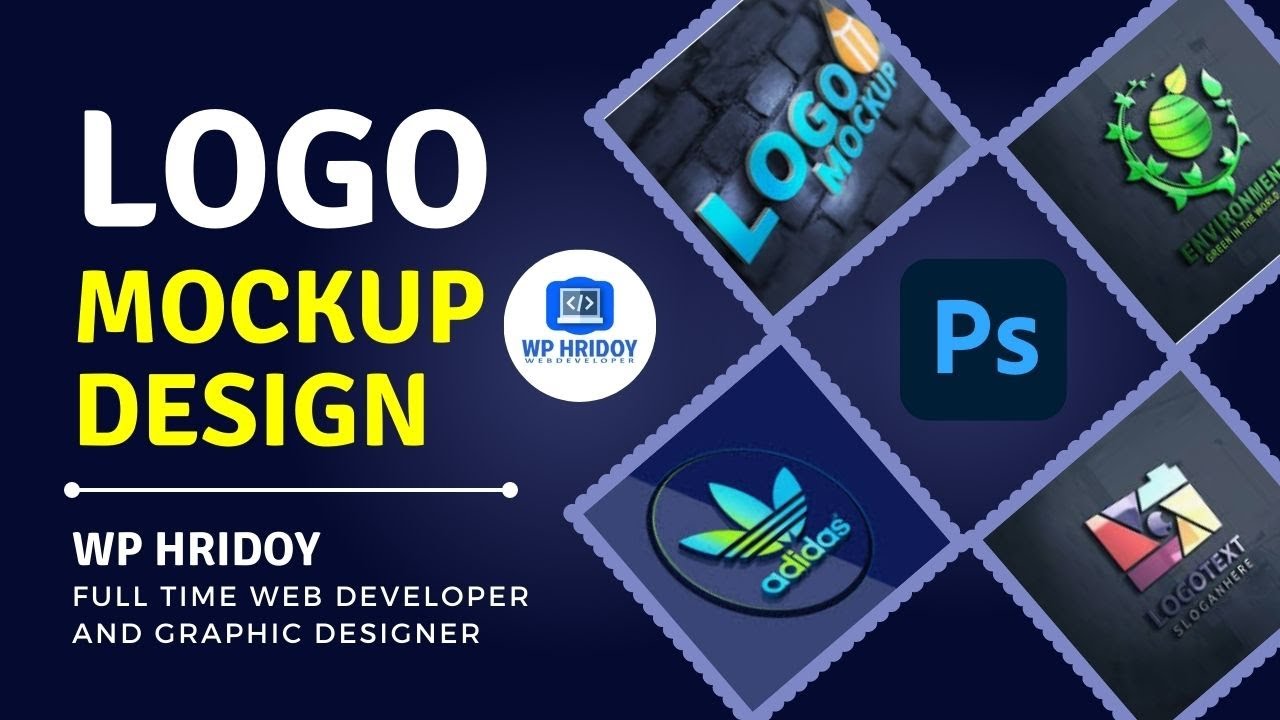
How to Design a 3D Logo Mockup in Photoshop CC (Free PSD Download)
A beginner-friendly guide to creating a professional 3D logo mockup in Adobe Photoshop CC — Wp Hridoy Logo Mockup Free Download || 3D Logo Mockup Design tutorial Photoshop CC
The Complete Computer Keyboard Shortcut List (Windows, Word, Excel, Chrome & Tally)
A handy, categorized cheat sheet of the most useful keyboard shortcuts for Windows, Microsoft Word, Excel, Google Chrome, and Tally — learn a few and work noticeably faster.